

MCW Casino App: Our Mobile Client from Download to Removal
MCW Casino App is the mobile client we built to bring our casino lobby, sportsbook, cashier and account tools into one installable program for smartphones. On this page, we at MCW Casino give a short introduction to how the client is built, how it reaches a phone and how it handles updates and data.
The client is a thin layer over our remote platform. The handset draws menus and game windows, while balances, bet settlement and game outcomes are processed on servers run by us and by our game providers.

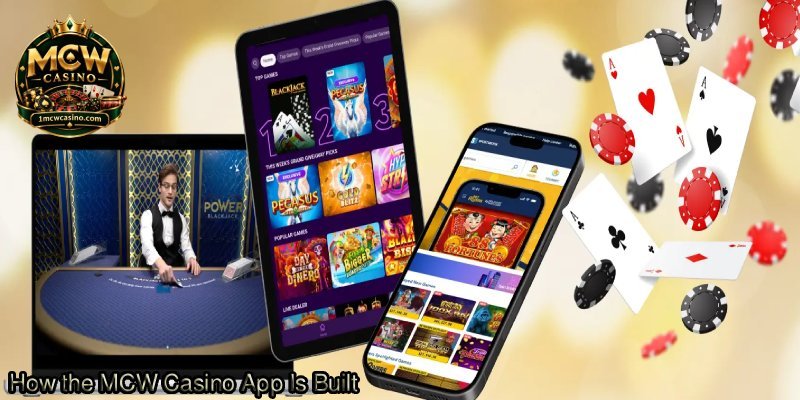
How the MCW Casino App Is Built
The program has three layers. The presentation layer draws screens, buttons and animations. The session layer keeps the login token alive and passes requests to our platform. The content layer pulls games, odds and banners from our servers whenever a member opens them.
No outcome logic lives inside the installed package. Provider random number generators decide slot spins, live tables stream from studios, and sports bets settle against official results. The phone only shows what the server sends back, so an account carries the same balance on our website and on mobile.
What Stays on the Phone and What Stays With Us
The handset deals with taps, cached interface graphics and local preferences such as language and sound. Our servers deal with login checks, wallet transactions, game rounds, verification documents and limit settings.
We designed it this way to keep sensitive operations off the device. If a phone running the MCW Casino App is lost, or the program is deleted, the account and its data stay on our platform and return after a fresh login.
Where the Client Comes From
General app marketplaces often restrict gambling clients in South Asia. For that reason we distribute the Android build as an APK file linked from our official website. We sign that file, and the signature lets Android confirm that later updates come from the same publisher.
On iPhone and iPad, availability depends on Apple policy in the region. Where no native build is listed, members reach us through the mobile website, which can be saved to the home screen as a shortcut that opens full screen. Files passed around in messaging groups or on third-party mirrors sit outside our official channel, and we cannot vouch for them.
Installation and First Launch
Android only installs an APK from outside a store when the browser or file manager that downloaded it has permission to do so. After the MCW Casino App is installed, that permission can be turned off again with no effect on the program.
At first launch the client compares its version with our server, fetches any required configuration and opens the login or registration screen. Website credentials work as they are, because both channels connect to one account database.
Device Permissions
The core functions need network access and notification rights. Storage access is optional and serves the upload of verification images, and camera access is requested only when a member photographs a document inside the client.
Each permission is requested at the moment it is needed and can be withdrawn in Android settings. Turning down an optional permission switches off only the matching feature, such as push alerts or in-app document capture.

Modules Inside the MCW Casino App
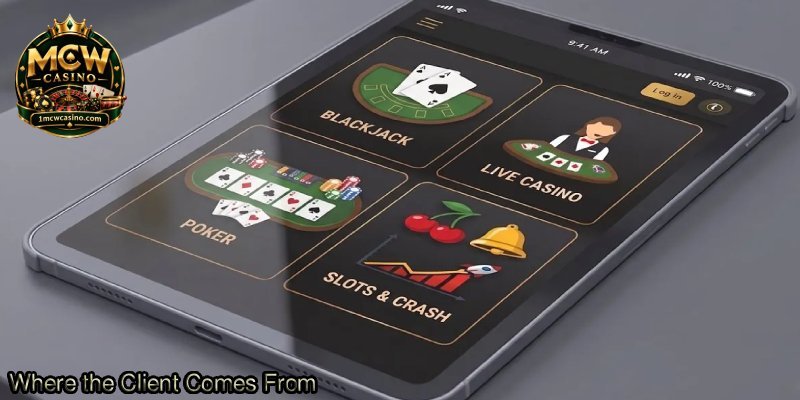
The interface follows the same navigation as our website. The lobby module groups slots, live casino, fishing games, lottery and card titles. The sportsbook module lists pre-match and in-play markets, with cricket and football near the top. The cashier module handles deposits and withdrawals through local wallets such as bKash, Nagad and Rocket.
The account module holds profile details, verification status, transaction history and responsible gaming settings. A support module opens live chat inside the client, and a promotions module shows current offers with links to their full terms.
How Games Open
Games run in an embedded web container, not as separate installed programs. Opening a title loads that provider’s game client inside the container, and closing it returns the member to the lobby.
Because of this, new titles reach the MCW Casino App without a fresh install. Load times still depend on the provider’s servers and on the handset’s connection.

Performance on Different Phones
Three things shape performance. These are device memory, network quality and the type of content on screen. Browsing the lobby is light, slots load a moderate set of graphics, and live dealer streams use the most bandwidth because the video arrives without a break.
Cached graphics cut repeat downloads, so a section uses less data after its first visit. Phones with little memory or almost no free storage are the ones most likely to show slowdowns.
How Updates Work
We ship updates in two forms. Content updates, such as new games or revised promotions, load from our server automatically. Client updates change the installed package itself, and an in-app prompt links to the new signed APK when one is ready.
Android installs the new version over the old one when the signatures match, and saved preferences survive the change. Older builds eventually lose server support, and at that point they can produce login errors.
Removal and Reinstallation
Deleting the MCW Casino App removes the local package, cached graphics and stored preferences. It does not close or change the account. Balances, history and limits stay on our platform and reappear after login on any device.
Reinstalling follows the original path of official download link, installation and sign-in. It is the usual fix when a damaged cache or an interrupted update stops the client from opening.
Data the Client Keeps
The client stores only a little data locally, mainly the session token, the language setting and cached images. Personal information, payment records and identity documents sit on our side and are handled under the published Privacy Policy of MCW Casino.
Data usage rises and falls with activity. Menu browsing uses little, while long live dealer sessions use far more. The account module includes limit tools, and access is restricted to adults aged 18 or over in places where such play is lawful.
Summary of the MCW Casino App
The MCW Casino App moves through signed distribution, permission-based installation, modular operation, server-driven updates and clean removal. At every stage we keep the critical data on the server, so the installed program works mainly as a display and input layer.
That is why the mobile client and the website act as two windows onto one account at MCW Casino. Changes to games, offers and settings appear in both places, and the MCW Casino App adds push alerts, a home-screen icon and cached graphics for regular mobile use.